Features
From a photo to a planted yard.
Snap your yard, paint where the plants go, and see it come together — with a plant list you can actually buy.
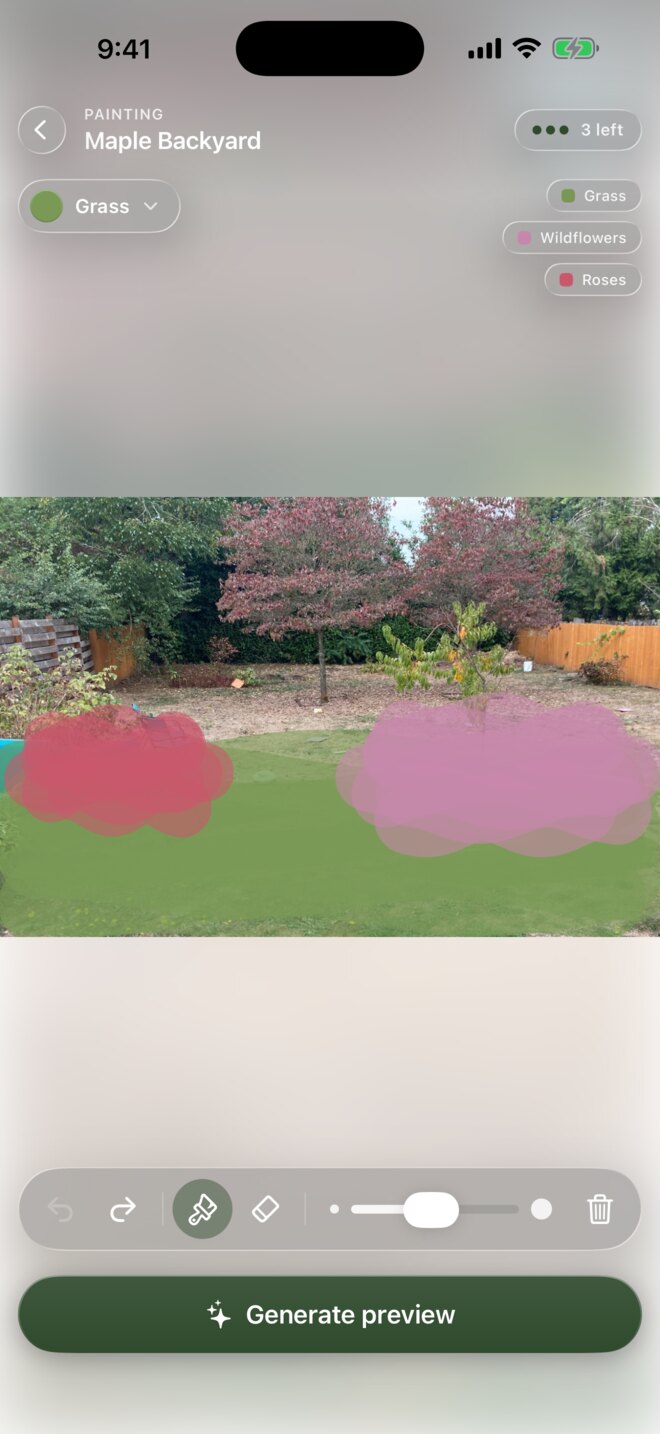
Paint
Just paint where things go
Brush right onto your photo to mark where you want grass, wildflowers, roses, mulch, and more. No layers, no design tools — if you can color in a shape, you can design your yard.
- grass
- wildflowers
- roses
- mulch
- mossrock
- water
- gravel
- paving
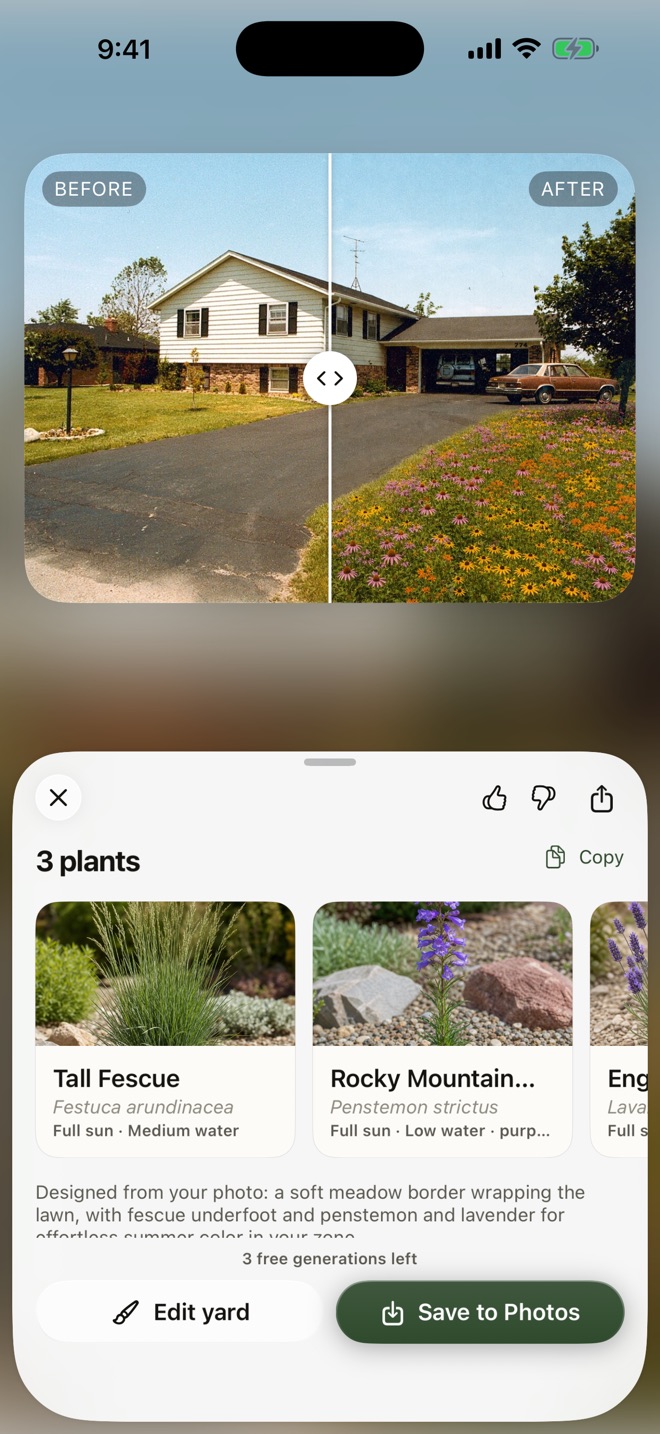
AI design
No ideas? Let AI design it
Tap “Design it for me” and AI studies your photo and designs the whole yard — layout, look, and specific plants picked for your climate and household. Or have it suggest zones you can edit and fine-tune before generating.
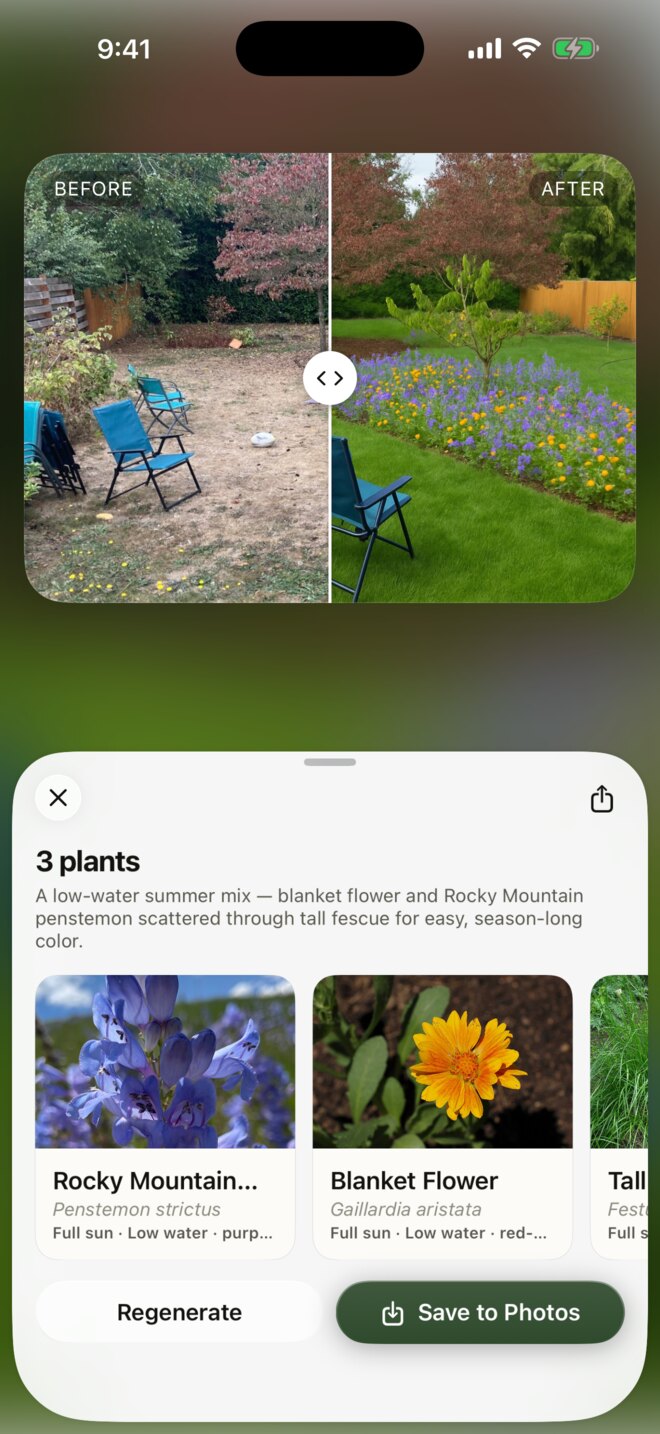
Preview
See it before you plant it
YardPaint turns your painted photo into a photorealistic version of your own yard in seconds. Same house, same fence, same light — just replanted.
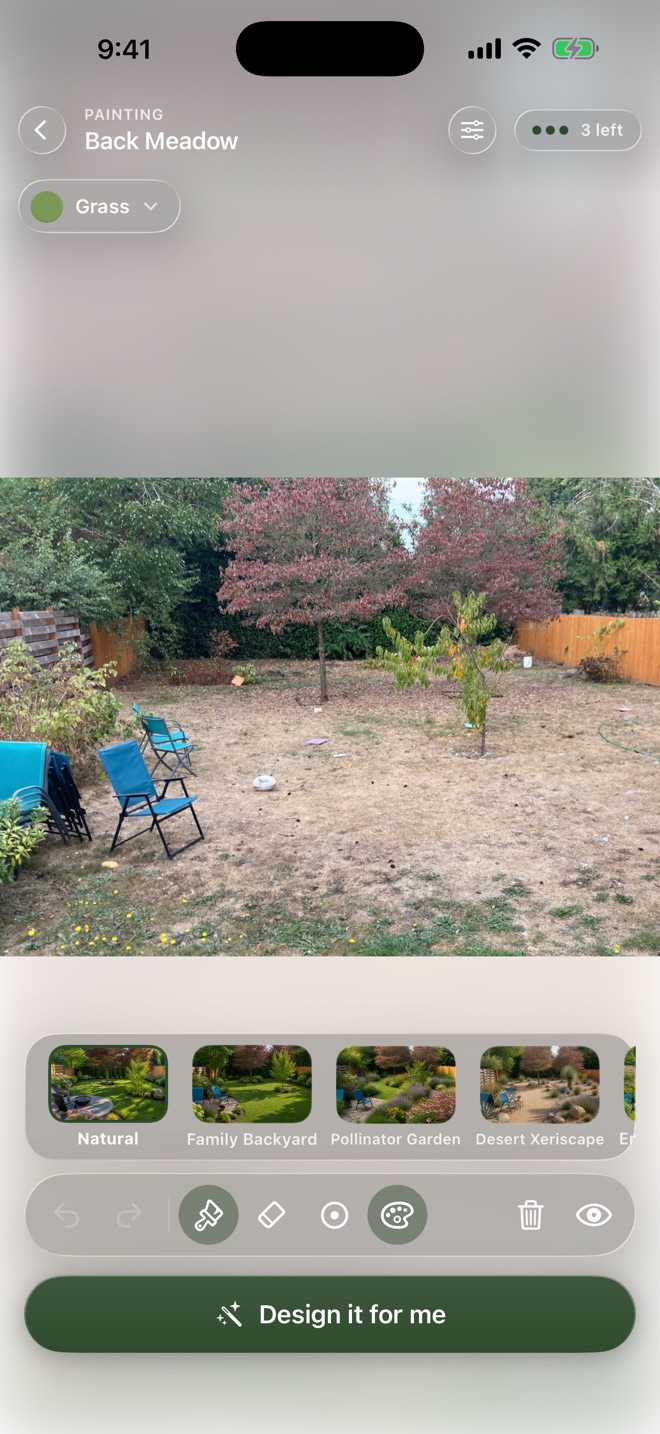
Styles
Thirteen styles, one tap
Give any design a look — Japanese Garden, English Cottage, Desert Xeriscape, Mediterranean Courtyard, and more. Every style shapes the layout, the materials, and the plant palette.
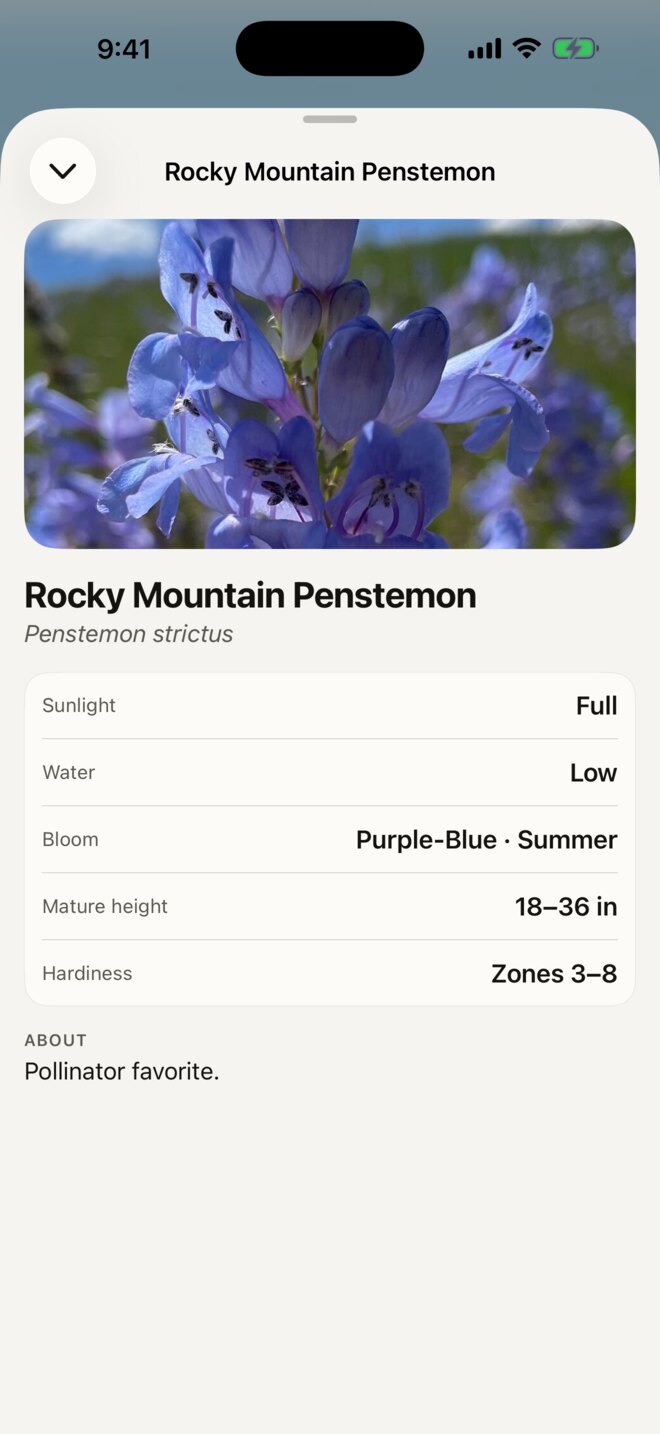
Plant
A plant list made for your climate
Every preview comes with specific plants chosen for your USDA hardiness zone, with sun, water, bloom, and size — a real shopping list you can take to the nursery.
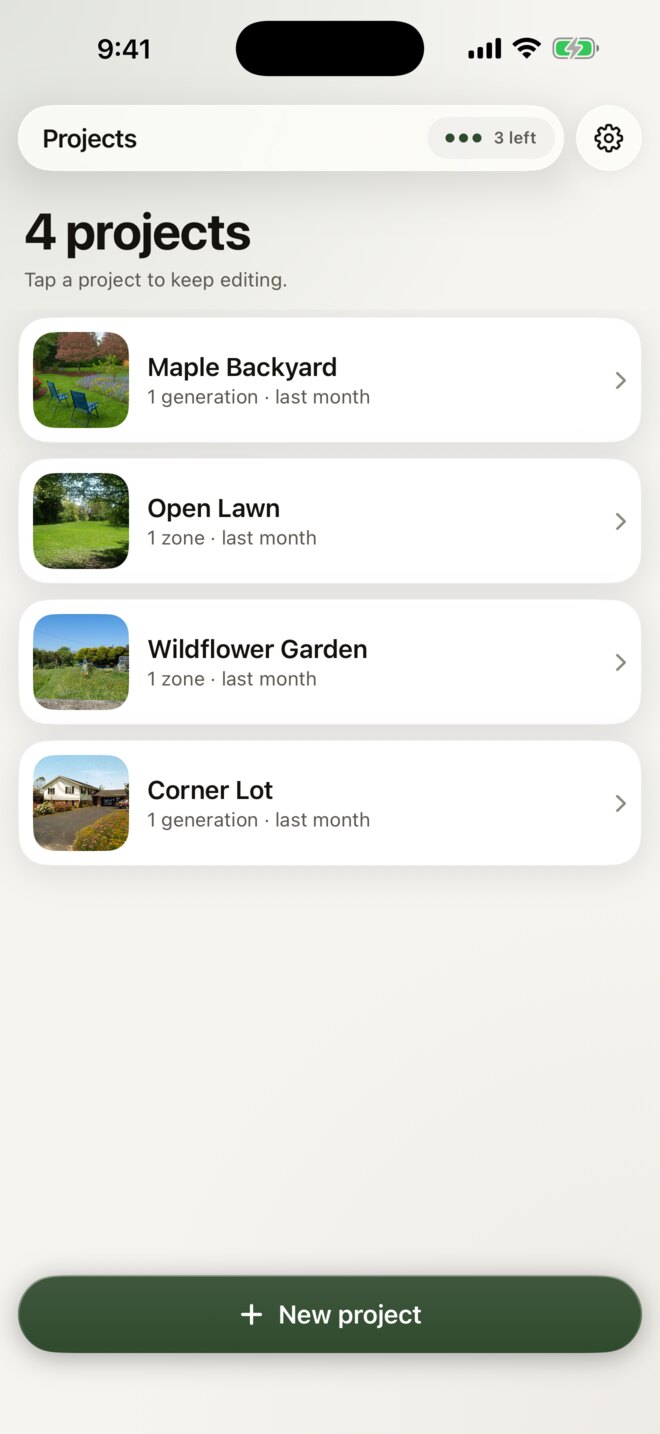
Iterate
Change your mind, fast
Repaint a zone and regenerate. Keep every version in your projects and pick up where you left off, on any yard you're planning.